

You’ve probably just published a new webpage and now you’re waiting for Google to upload it live in the search results. This can be frustrating, especially when everything is set up correctly and the page still isn’t showing.
In this blog, I’m going to explain how long Google normally takes to reindex a page and what factors can affect how quickly your content appears in the browser.
How Long Does Google Take to Reindex?
Based on feedback from users on sites such as Quora and SEO forums, Google typically takes anywhere from a few hours to several weeks to reindex a page. For most websites, a few days is the most common timeframe.
This applies when you do not manually request reindexing and instead rely on Google to find your pages automatically. In this situation, your pages are added to your sitemap, and your sitemap is successfully submitted and loaded into Google Search Console, which you should already have set up.
What Happens When You Update a Page?
When you update an existing page, Google should recognise that change. However, just like with new pages, it can still take a few days to a few weeks for Google to fully process and support the updated content in search results.
There is no guaranteed timeline, as Google prioritises pages differently depending on your website, crawl activity, and overall SEO health.
Speeding Up the Reindexing Process
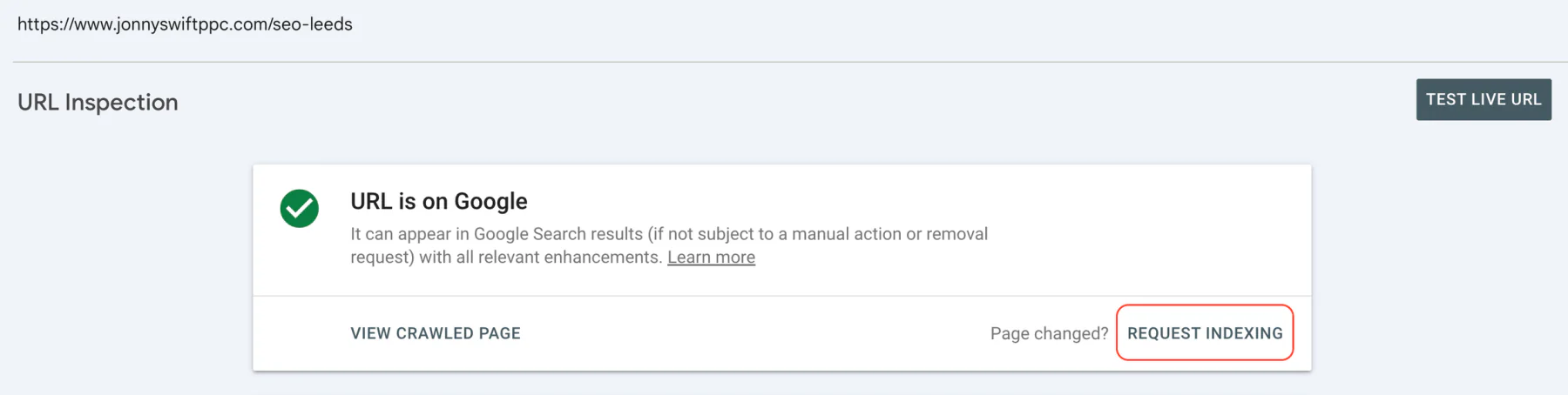
If you want to quickly reindex a page on Google, you can do this manually using Google Search Console’s reindex feature.
This allows you to request indexing directly through the URL inspection tool, which can significantly reduce how long it takes for your page to appear on Google. If you want to learn exactly how to do this, please read my blog post on the subject where I explain the process step by step.
Final Thoughts
There is no exact timeframe for Google reindexing pages. It can take anywhere from a few hours to several days, and sometimes longer. The good news is that you can speed up the process by using the URL inspection tool inside Google Search Console.
If you would like help with your SEO, please contact me for a free 30-minute consultation. I’d love to talk about you and your website.